For investors
Open shared models, check them, and keep your deal flow in one place.
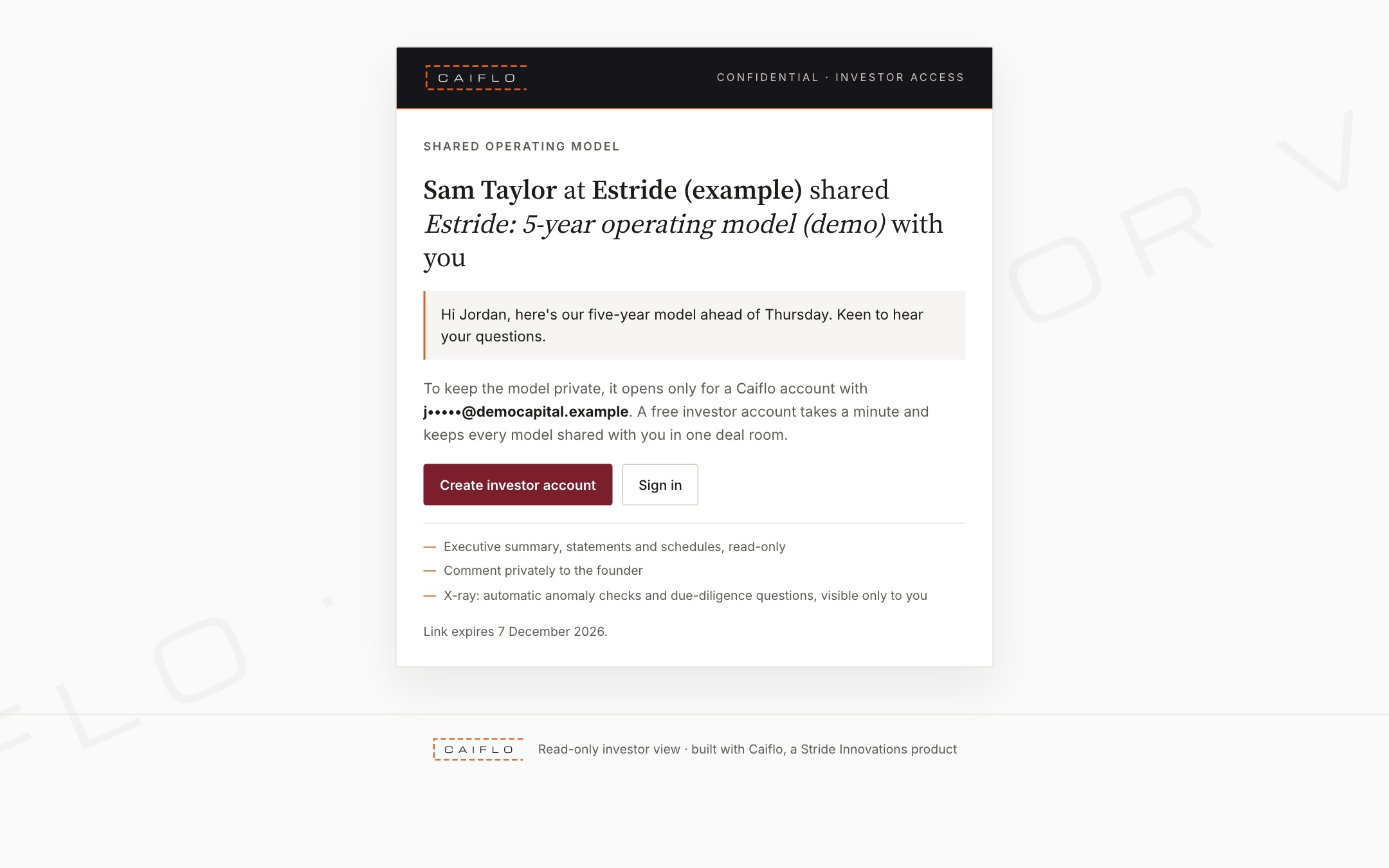
Open a model a founder shared
You don't need a paid plan to view a model a founder sent you.
- Click the link in the email.
- Sign in, or create a free Investor account, with the same email address the link was sent to, and confirm it.
- The model opens. It's also listed under Shared with me, marked New until you open it, so you never have to dig out the email again.
Links only open for the confirmed address they were sent to, so a forwarded link is no use to anyone else. That protects the founder's numbers.
Read and question the model
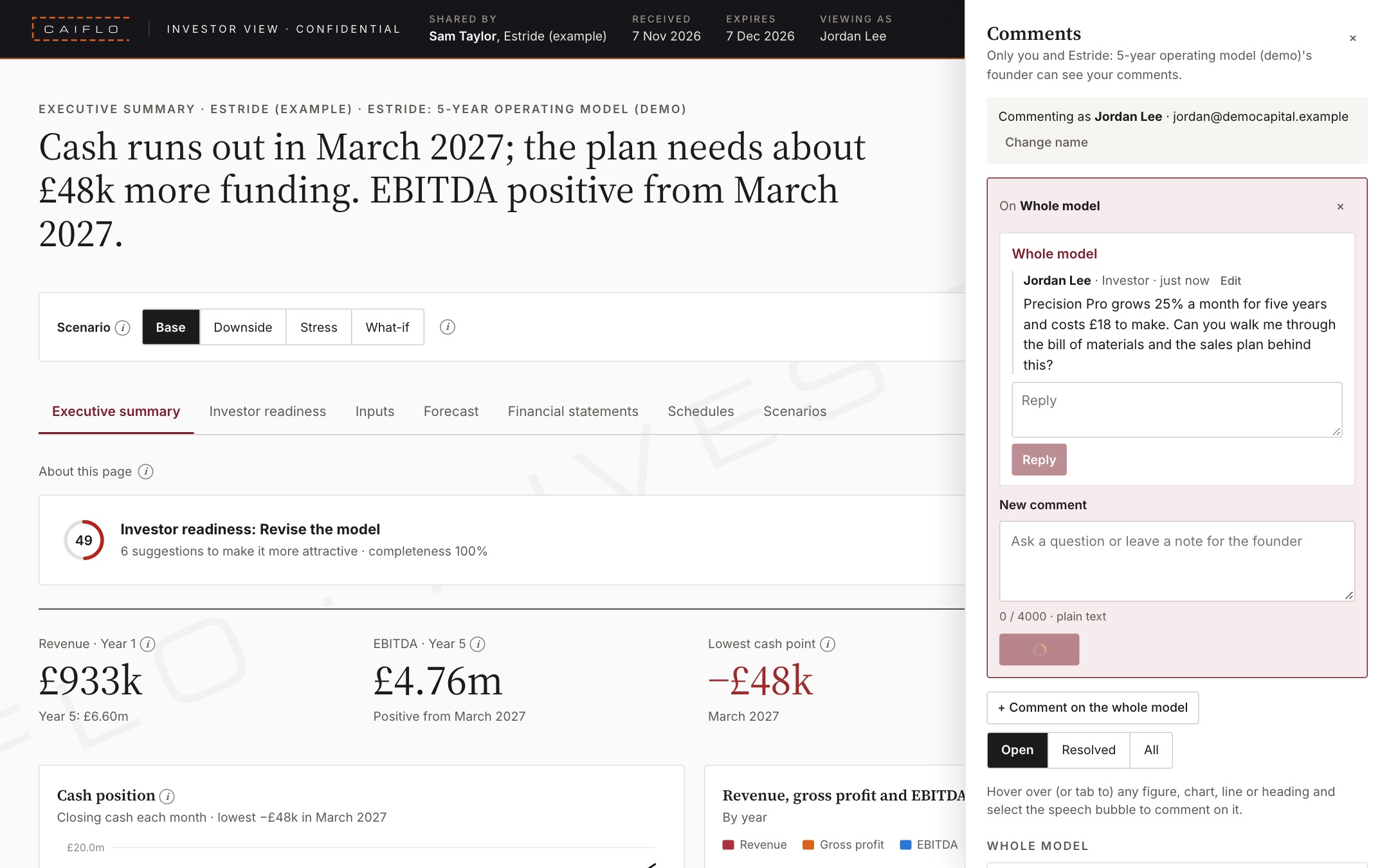
You see the same pages as the founder, read-only.
- Start with the Executive summary: the ask, the runway each tranche buys, and the headline.
- Try Downside and Stress, or the what-if sliders if the founder allowed them. Nothing you do changes their model.
- Click the comment bubble next to any line, chart or input to ask a question. The founder replies in the same thread.
- If the founder changed something since sharing it, the changed figures are highlighted and listed under History.
Asking the question right next to the number saves a call, and keeps a record of the answers for your investment committee.
X-ray a model
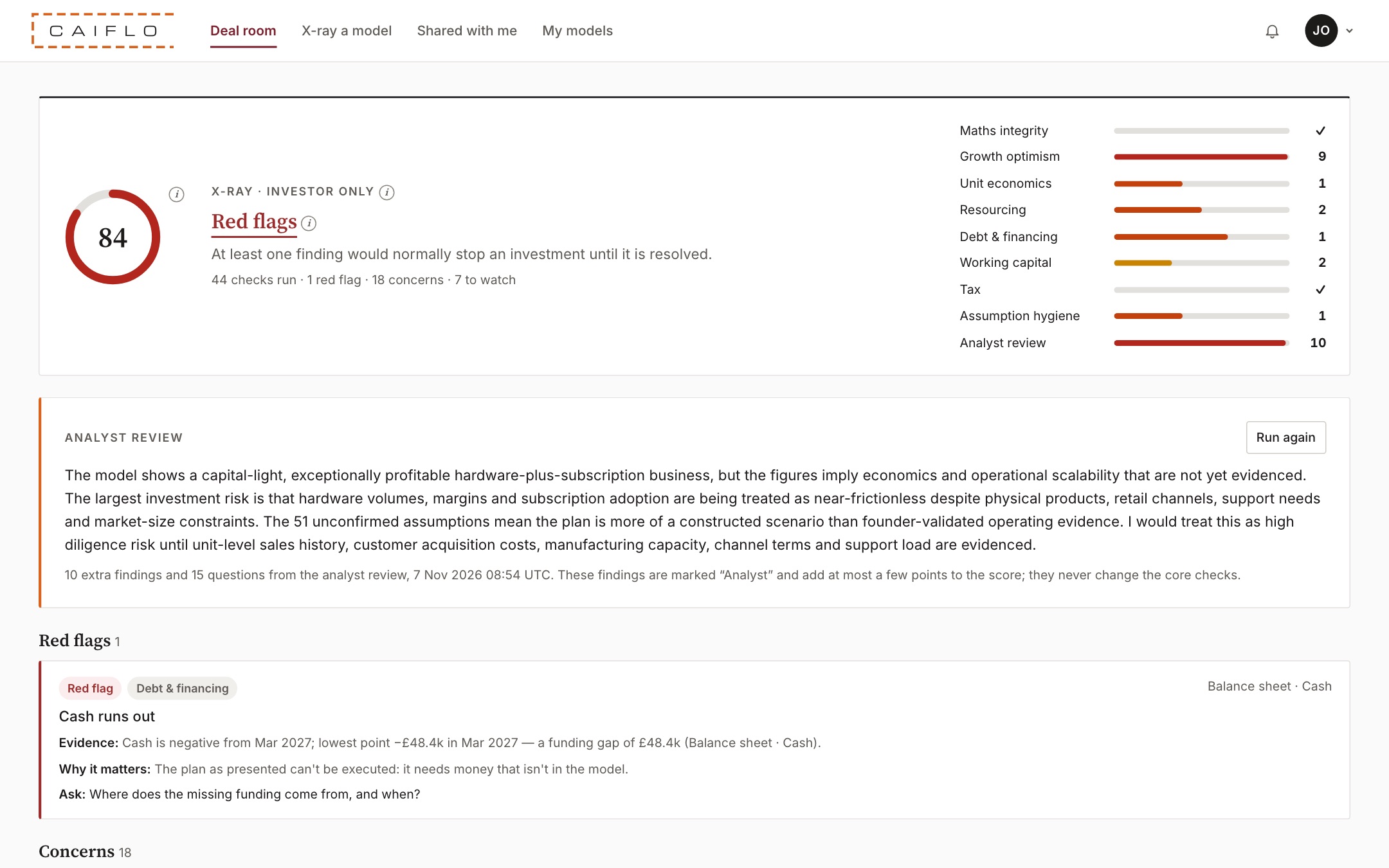
An independent check, for your eyes only.
- Open the shared model and choose the X-ray tab. It needs the Investor or Team plan; viewing the model itself is free.
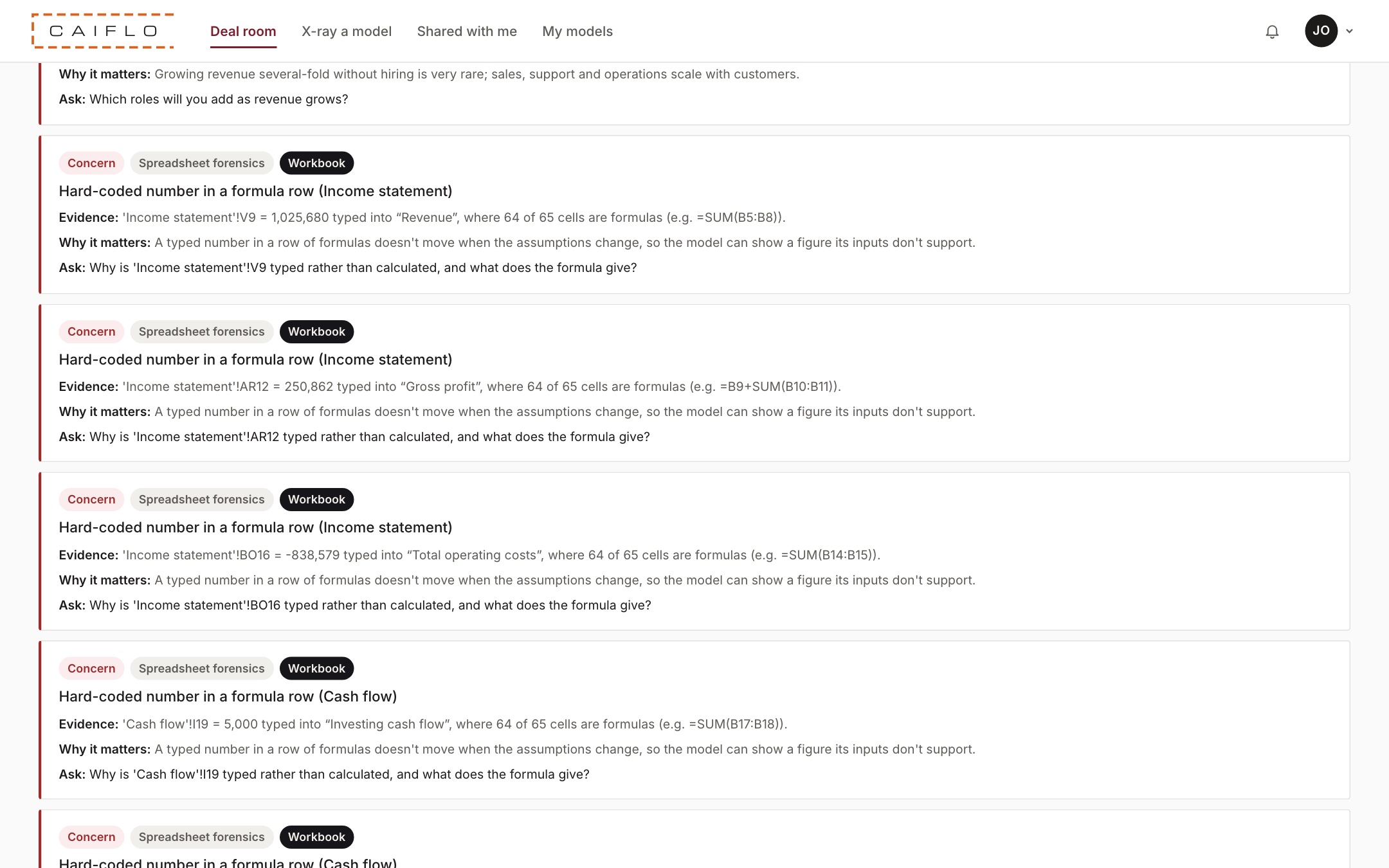
- You get an anomaly score (higher is worse), a grade and a list of findings. Each one says what was found, why it matters and the question to ask the founder.
- Click the grade, a count or a category to see just those findings.
- The Analyst review adds a deeper read, in its own section.
- Copy the questions straight into your diligence list.
More than 40 checks cover the maths, how optimistic the growth is, unit economics, staffing, debt, working capital and tax. Founders never see the X-ray, so you get an unfiltered view. See X-ray.
X-ray a founder's own spreadsheet
For models sent to you as Excel files.
- Click X-ray a model in the menu and upload the workbook.
- Caiflo reads it, rebuilds the numbers and runs the same checks. It also looks for spreadsheet slips, such as numbers typed over formulas, and names the sheet and cell.
- The file is deleted as soon as it's been read. The result is saved privately in your deal room.
Most founders send a spreadsheet, not a link. This gives you the same check on any model, whatever its layout.
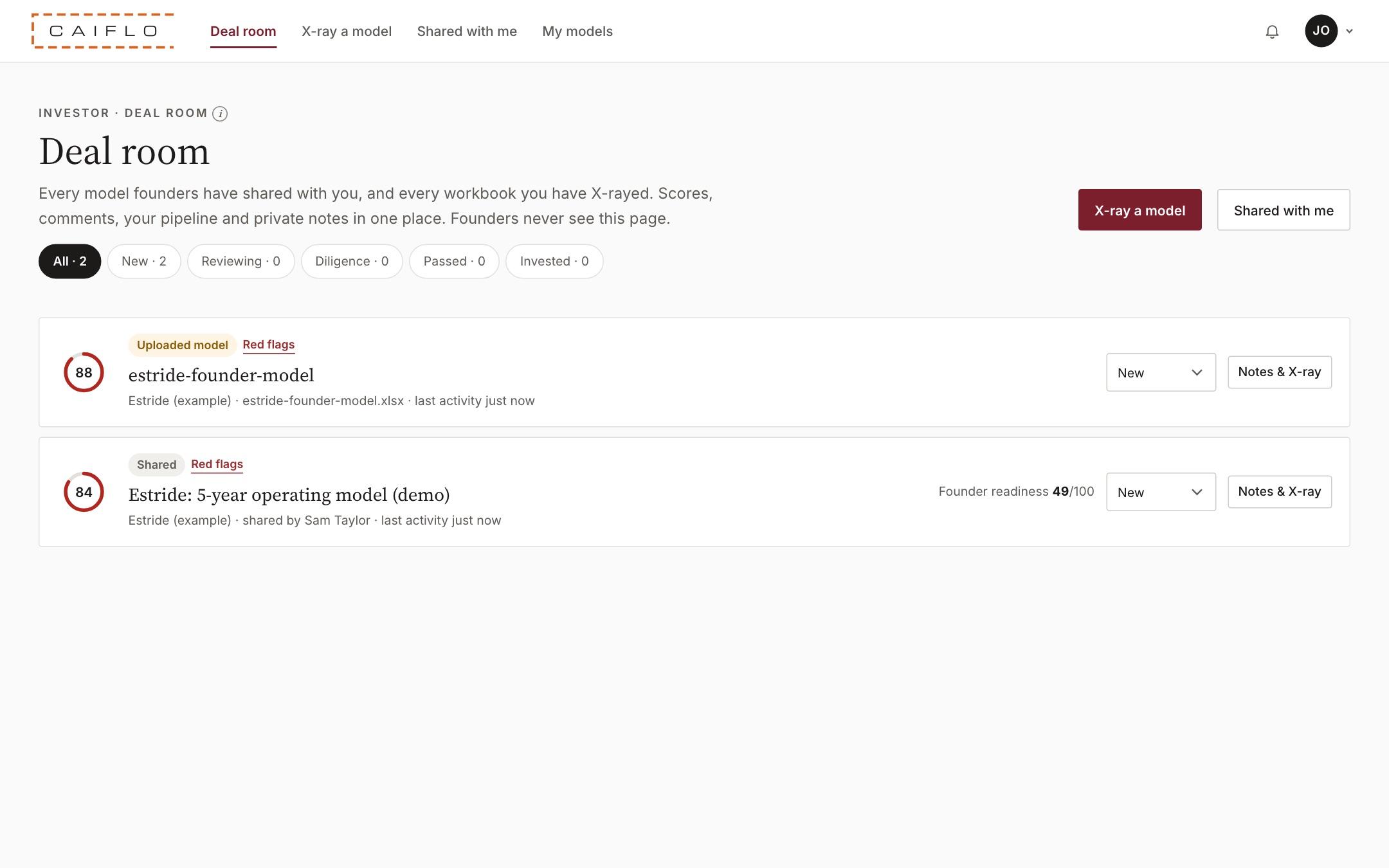
Your deal room and portfolio
Everything you're looking at, in one list.
- Deal room lists every shared model and every workbook you've X-rayed, with its score.
- Move each deal through your pipeline: New, Reviewing, Diligence, Passed or Invested.
- Keep private notes on each deal. Founders never see them.
- Portfolio groups everything by company, with all of each company's models.
A single place for your pipeline means no more hunting through email for the latest version, and an easy record of why you passed or invested.